
Create the whole site with AI
Describe what you need and let AI shape the first version of your pages and layout.
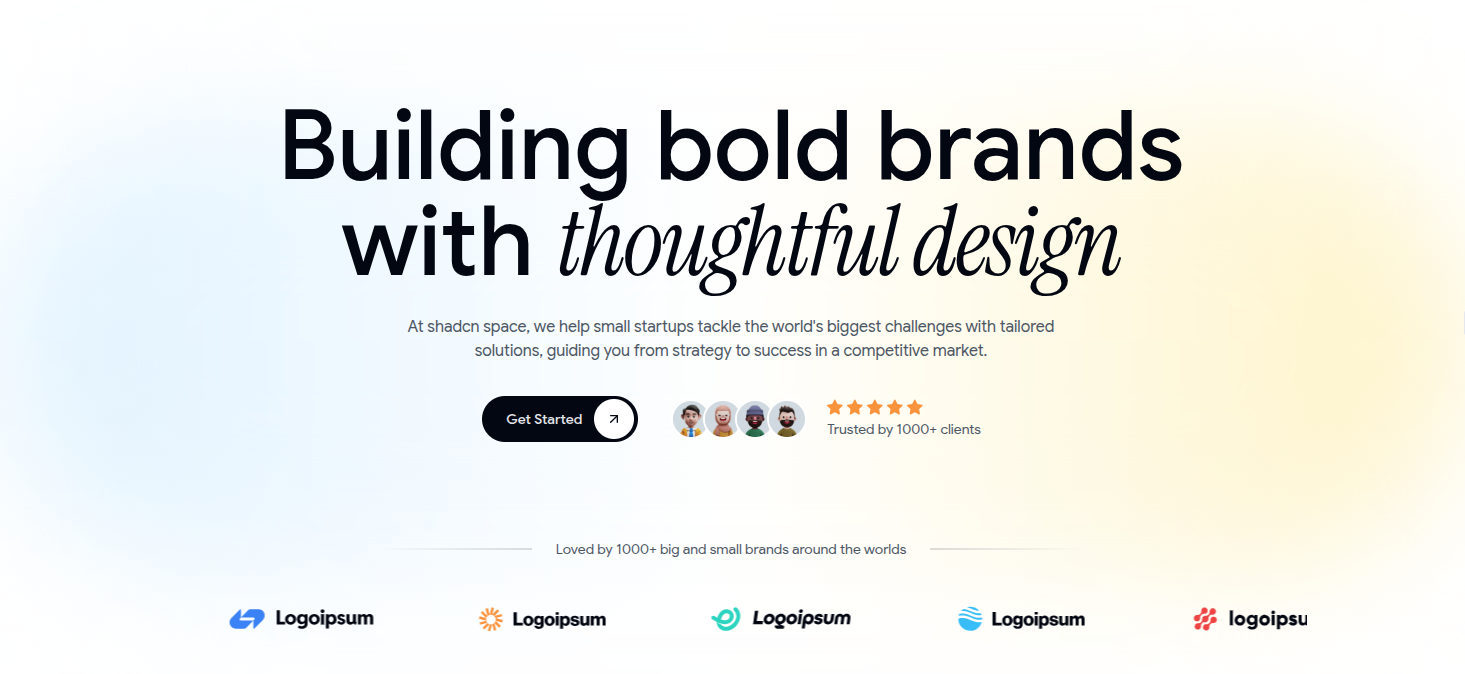
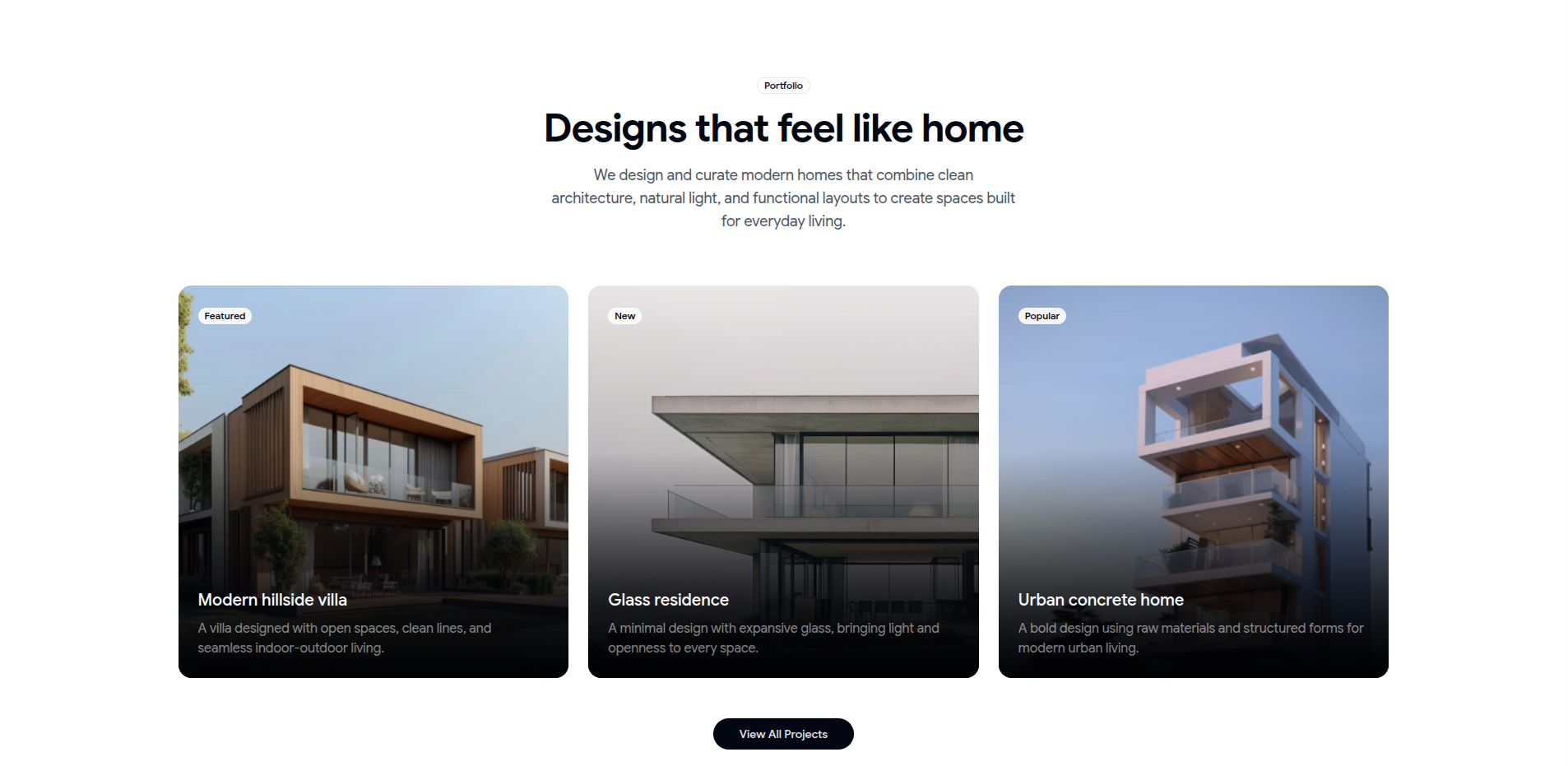

“No code. No design skills. Just describe your idea and launch instantly.”
AI-powered creation. Drag-and-drop freedom.
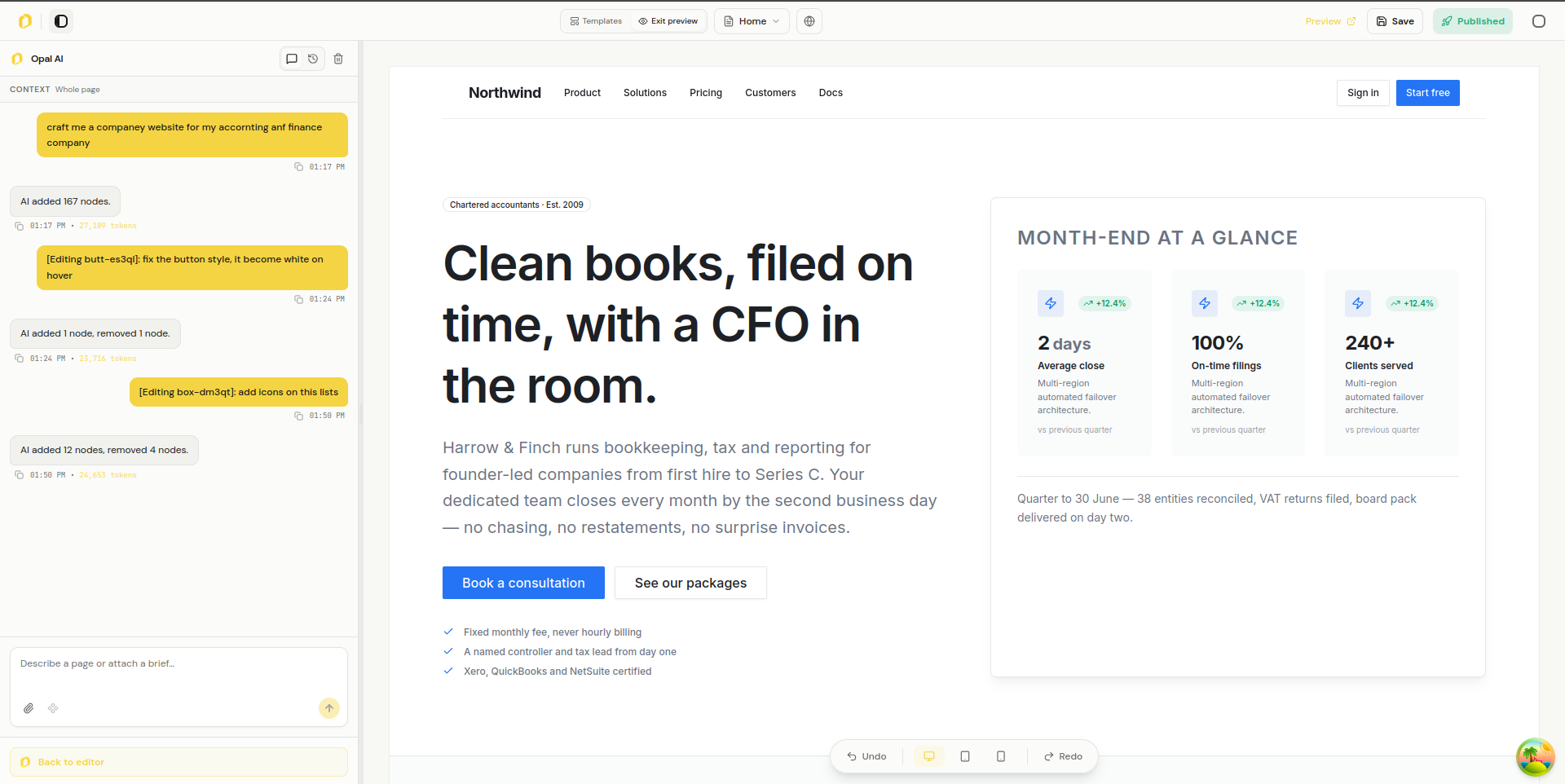
Ask AI to shape the whole site, then keep refining it through conversation. Select a section or element for a focused change, or use the drag-and-drop editor whenever you want direct control.
Give every page a clear title, description, and search-friendly structure. Make it easier for the right people to discover your business.
Turn a visit into a conversation. Bring your contact forms, appointment bookings, and business content into one experience.
From your first draft to your next customer.
A lightweight foundation keeps your content moving, so visitors can get straight to what matters.
Managed hosting and secure connections let you focus on your business, not the maintenance.
Bring your images and brand assets together. Keep your content organized as your website grows.
AI can create the full site and keep revising it through prompts. Select a section or element, attach it to the AI conversation, and describe the change you want. AI can handle the edits you might otherwise make by hand, while direct canvas controls remain available whenever you want them.
Create a websiteDescribe what you need and let AI shape the first version of your pages and layout.
Select a section or element, attach it to the AI conversation, and describe the update you want.
AI can make the edits you might otherwise do by hand. Use direct canvas controls whenever you prefer to work hands-on.
Manage your public address, search metadata, and visitor activity alongside the pages you publish.
Give the website you build with AI a public address of your own. Connect an eligible domain and set it as your primary address.
Set page titles and descriptions for your AI-built site, with site-wide search metadata in website settings.
See how visitors use the site you created, including page views, clicks, form interactions, referrers, and device details where available on your plan.
Create and revise pages with AI, then manage forms, publishing, and visitor activity in the same workspace. Feature availability depends on your plan.
Ask AI to create pages, start from a template, or arrange editable building blocks on the canvas.
Add forms to pages created with AI and review visitor responses in the website workspace.
Manage AI-created pages, publishing settings, assets, and analytics in the same workspace.
No. Describe the site you want and ask AI to create it. You can keep refining through prompts, select a specific section or element for a focused change, or edit directly on the canvas.
Your website should feel like your business. Connect your own domain when you publish, or start with an Opalefy site address.
Describe your business, the pages you need, and the style you have in mind. AI creates the site, and you can keep asking for changes as your idea develops.
Yes. Ask AI to revise the whole site or select a section or element and describe a focused change. You can also rearrange sections and adjust the design yourself in the visual editor.
Have a question about getting started, or want to explore how Opalefy can support your business? Send us a note and our team will get back to you.
A real conversation, not a sales script.
Share what you’re building and we’ll point you toward the right next step.