Build and publish with Opalefy
A practical guide to creating websites with AI, refining them on the canvas, and managing them after publication.
Opalefy is an AI-native website builder for professionals, businesses, and teams. Describe the site you need, let AI create a starting point, and refine the result in Studio. You can also build manually with drag-and-drop blocks and edit content directly on the canvas.
Your work has three main spaces:
| Space | What you do there |
|---|---|
| Website overview | Find your websites, start a new one, or open a template. |
| Studio | Generate and edit pages, adjust styles, preview, and publish. |
| Website dashboard | Review analytics and submissions, manage assets, and configure website settings. |
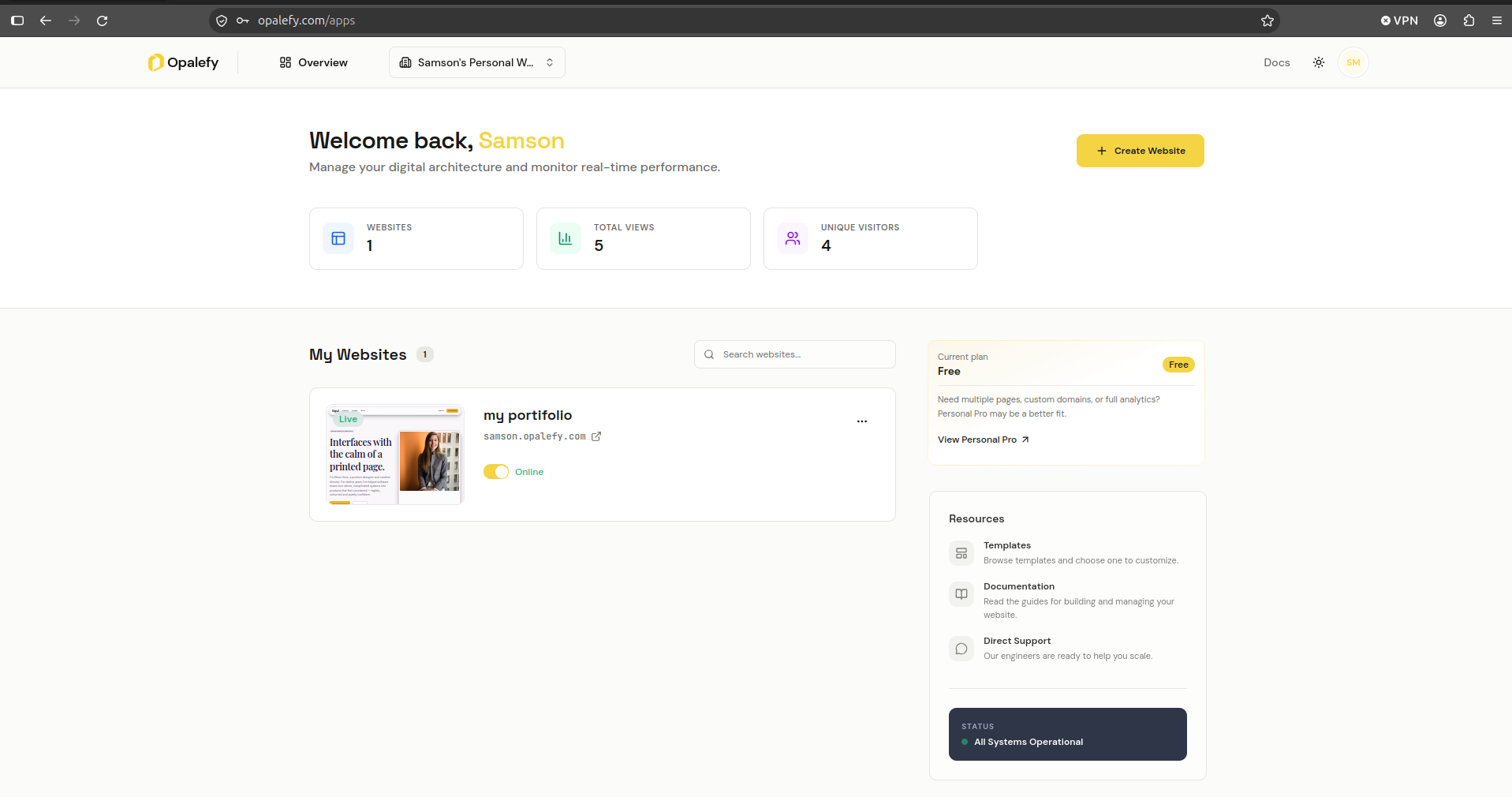
Publish your first website
- Create your account and verify your email.
- Create a website and complete the setup steps.
- Open Studio to generate your first page or build it manually.
- Refine the layout and styling, and check the result at different screen sizes.
- Preview and publish.
- Connect a custom domain if your plan includes it.
Improve an existing website
You do not have to regenerate an entire page for each change. Select a section and attach it to the AI conversation for a focused improvement, or adjust its properties in the right-hand panel. Use inline editing for copy changes and the canvas for positioning and composition.
Read the AI editing guide and the canvas guide before making larger changes.
Manage a website after launch
- Review submissions from forms on your website.
- Read analytics to understand visits and page views.
- Manage images and other assets.
- Update settings and domains.
- Manage your plan and payments.
- Invite teammates and manage access.
About these guides
These guides describe the application controls available in this repository. Access depends on your plan and workspace permissions. Billing is the source of truth for your active subscription, credit balance, and current prices.
Boxes labeled “Screenshot placeholder” mark the images to capture for the published guides. They are instructions for future screenshots, not missing images.